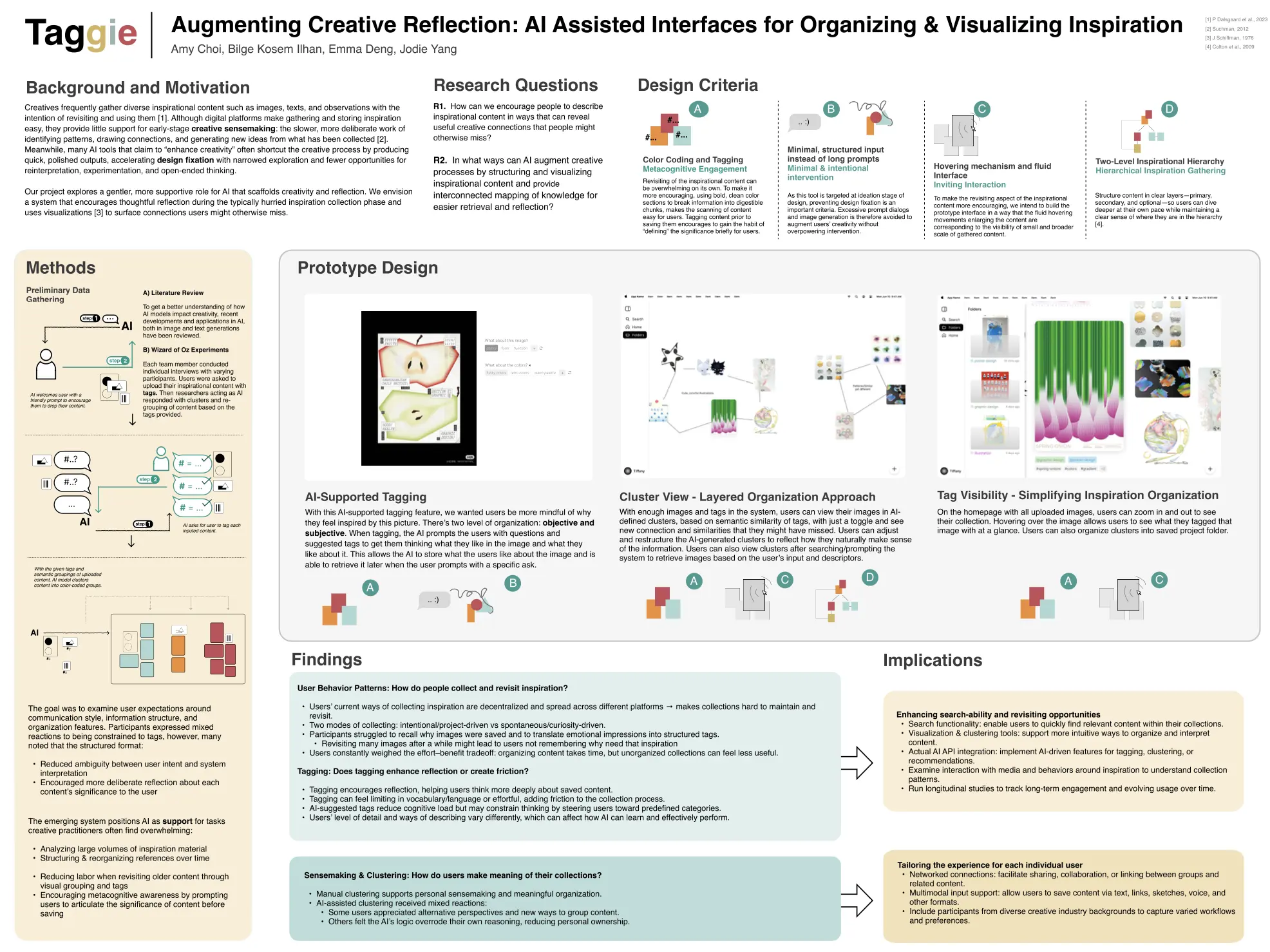
Augmenting Creative Reflection: AI Assisted Interfaces for Organizing & Visualizing Inspiration
Exploring how digital tools can better support reflection during creative exploration and discover hidden connections.
Timeline:
2025 Fall - present
(ongoing)
Tools:
Figma,
CSS/HTML,
Adobe CC
Collaborators:
Amy Choi,
Bilge Kosem Ilhan,
Jodie Yang
My Role: UX Researcher & Designer
Conducted user research and designed the system concept and interactions alongside the interdisciplinary team. Translated our vision into an interactive HTML/CSS prototype demonstrating the tagging feature and home layout.
Core Problem Space
Creative practitioners frequently gather diverse inspirational content, but:
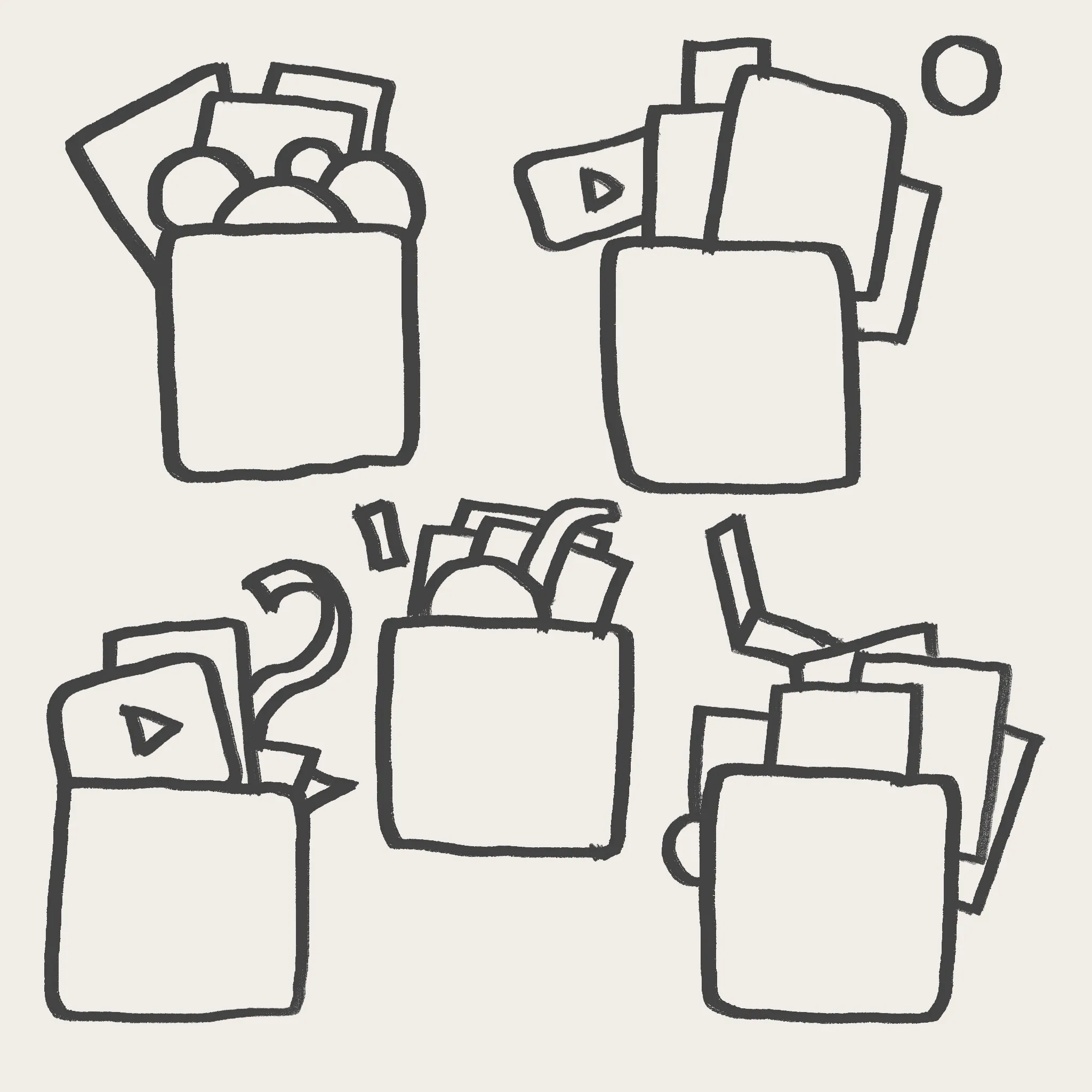
Materials become scattered across many platforms

Collections grow rapidly and become hard to revisit and recall
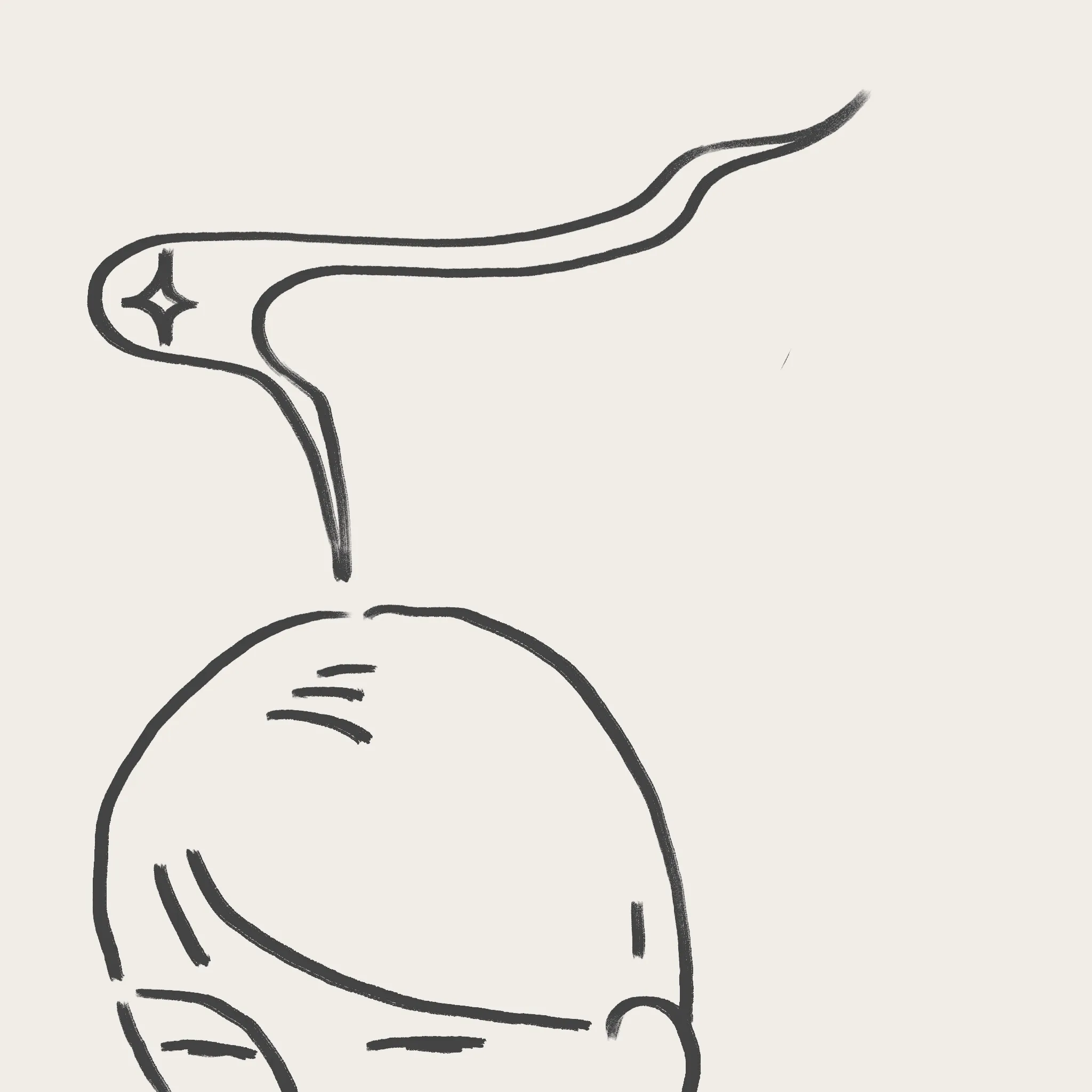
The meaning behind why something was saved often fades over time.
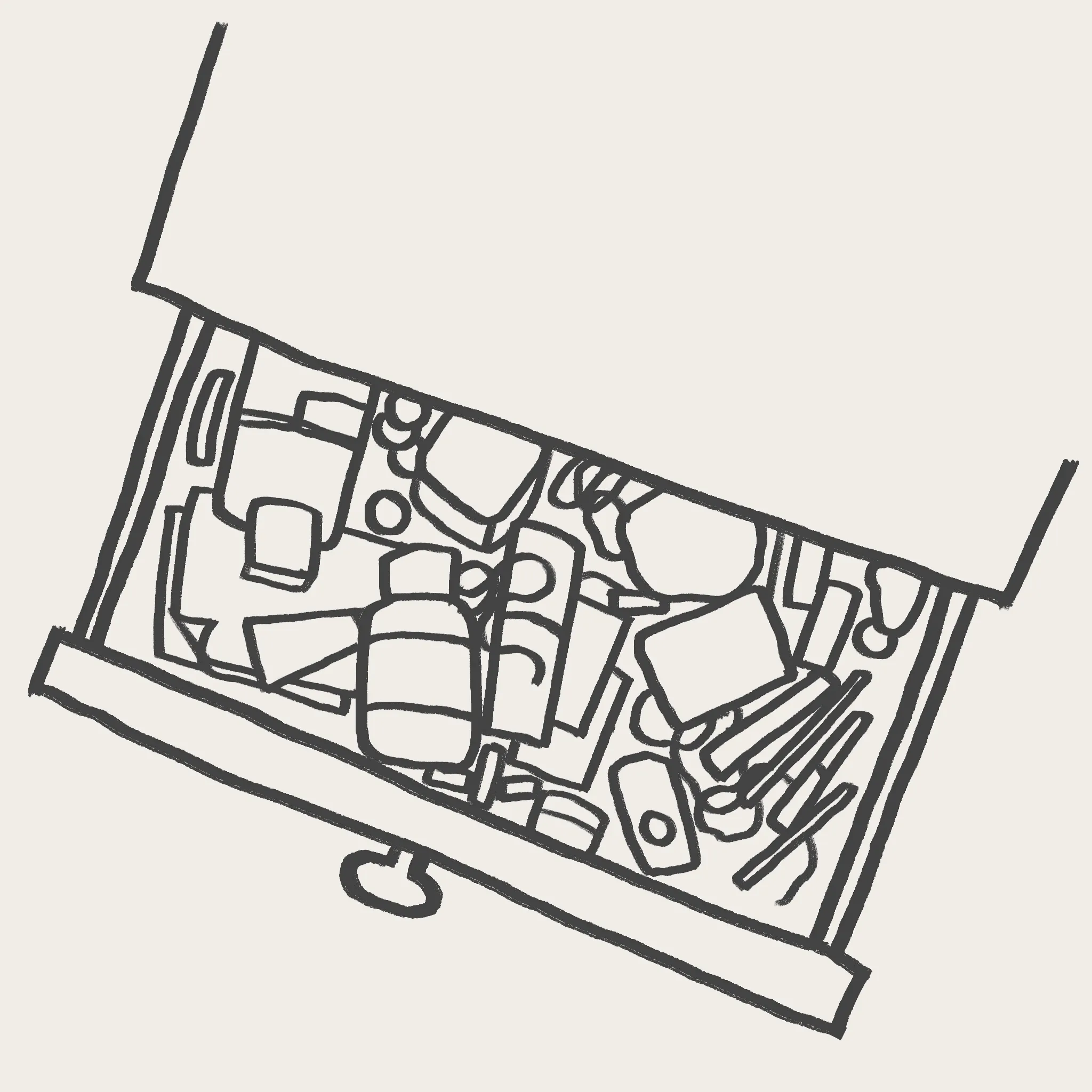
Current tools support storage but not sensemaking
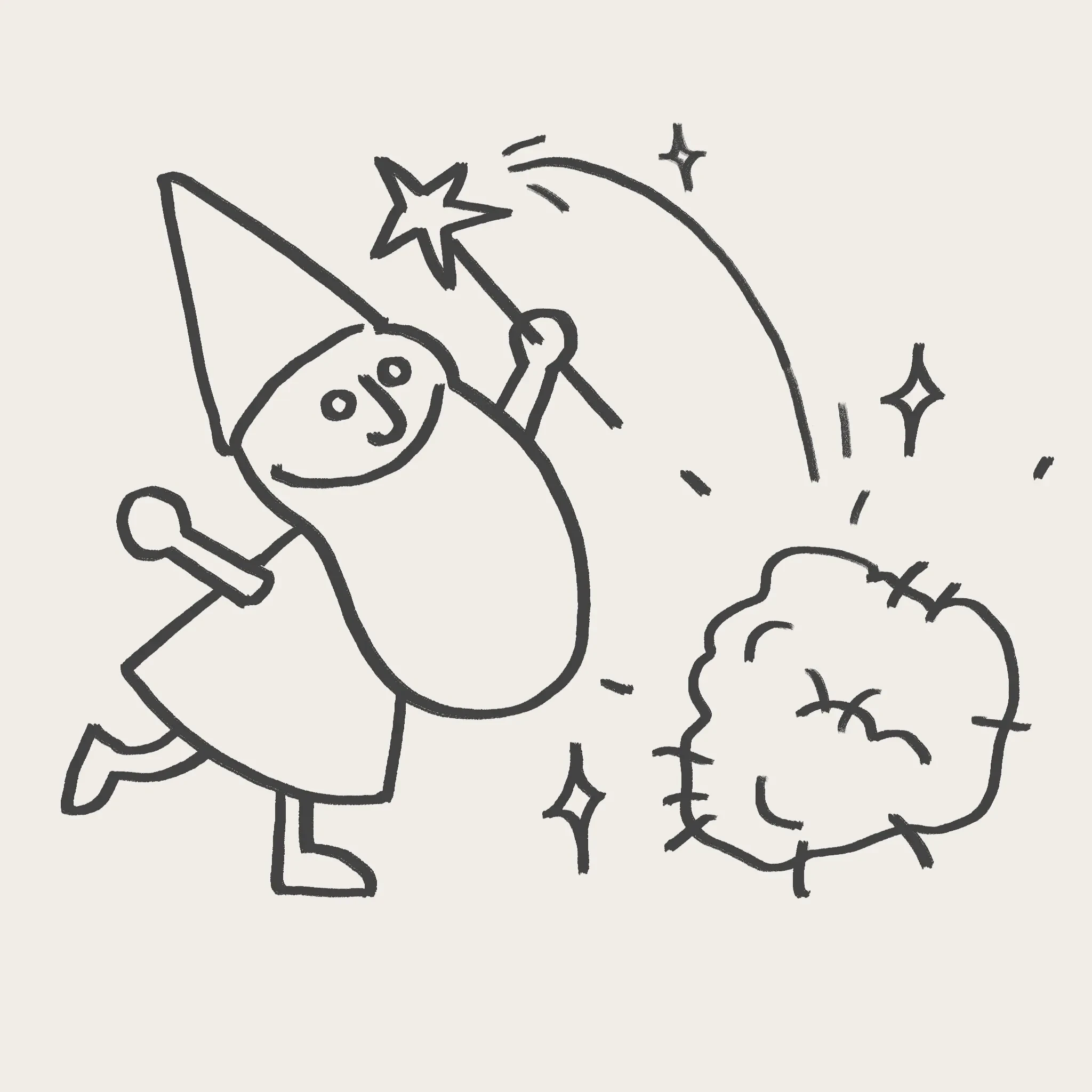
Many AI tools shortcut creativity with instant outputs
Our Approach
We explored a more supportive role for AI that scaffolds creativity and reflection. We designed a system that:
Encourages reflective tagging at the moment of collection
Interprets formal, emotional, and conceptual language
Organizes materials into interconnected visual networks
Surface hidden patterns and relationships
Preserves creative ownership
Research & Discovery
R1: How can we encourage people to describe inspirational content in ways that can reveal useful creative connections that people might otherwise miss?
R2: In what ways can AI structure and visualize inspiration to provide interconnected mapping of knowledge for easier retrieval and reflection?
Literature review
↓
Interview
↓
Wizard of oz experiments
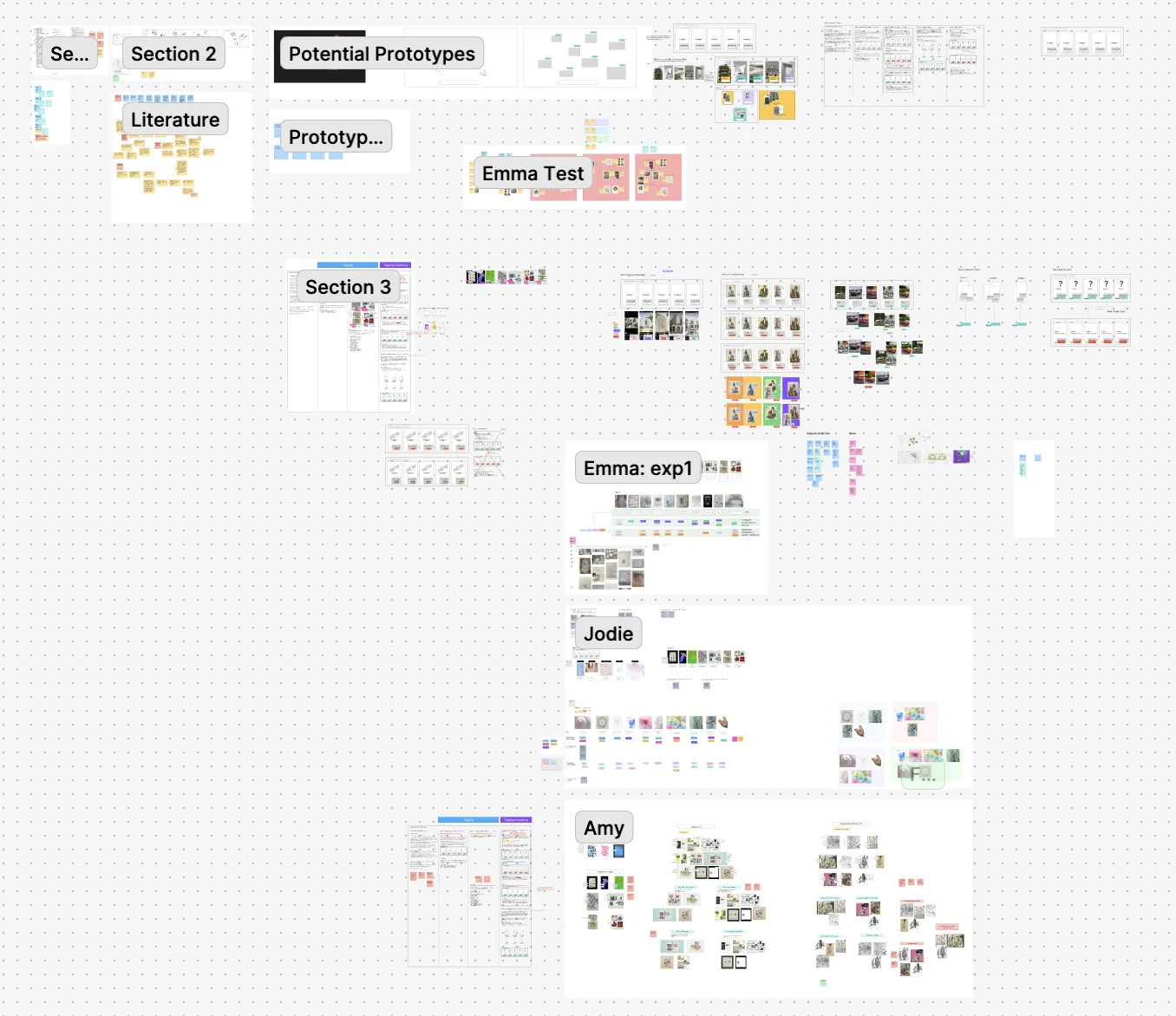
Fragmented Inspiration Ecosystems:
Users’ current ways of collecting inspiration are decentralized and spread across 3-5+ different platforms, making materials hard to maintain and revisit.
“ Everything’s everywhere. I keep hoping I’ll go back and sort it all someday.”
→ Need centralized system with cross-platform import capabilities
Dual collection modes:
Intentional/project-driven vs. spontaneous/curiosity-driven.
→ system must accommodate both structures and exploratory workflows
Tagging as reflection & friction:
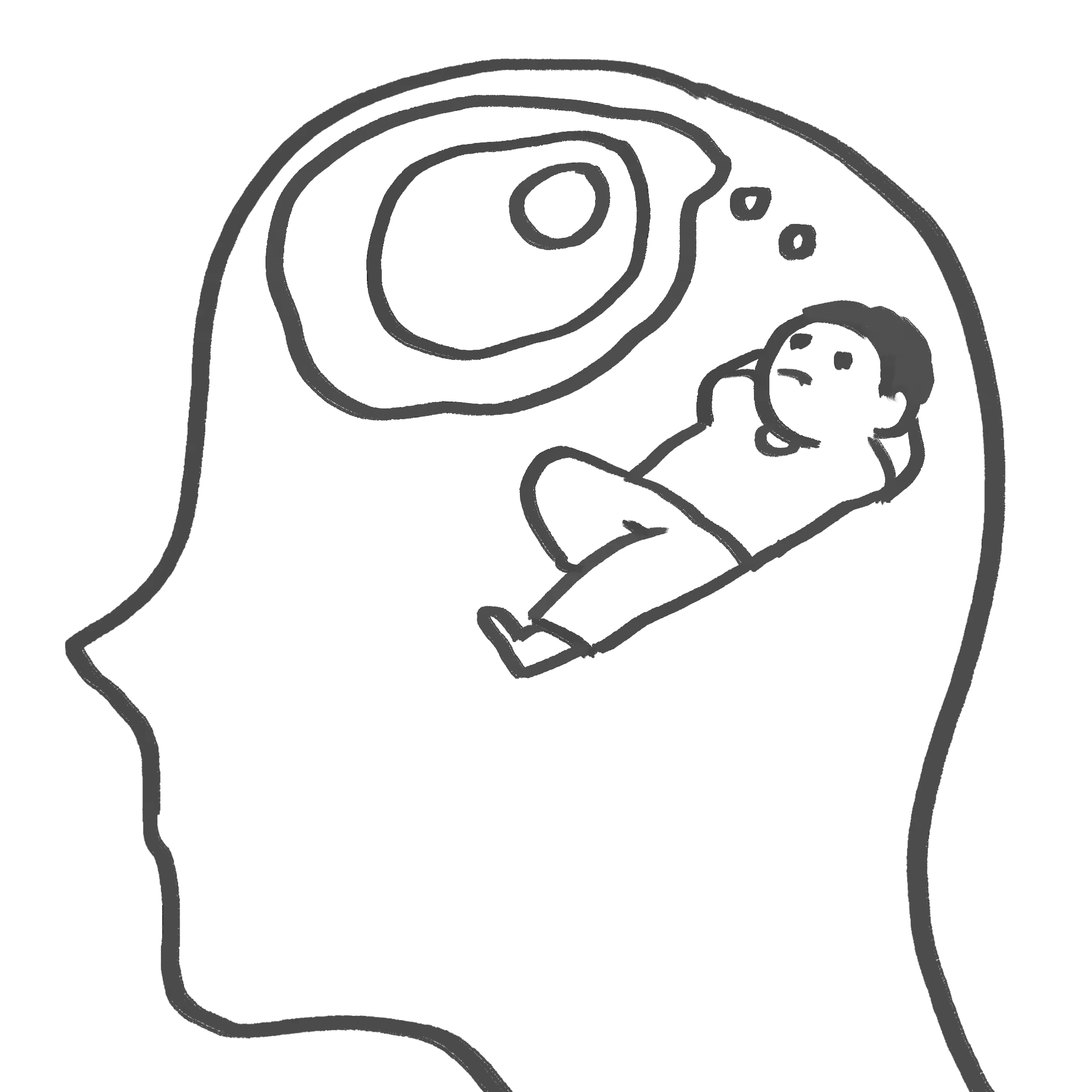
Tagging encourages deeper thinking about content significance and relevance, but feels constraining (vocabulary) or effortful.
“It’s easier to just talk in sentences.”
→ Support conversational and flexible language, offer AI suggestions after user’s initial input
Clustering Tension (insight vs. agency):
Manual clustering supports personal meaning making and meaningful organization. AI-assisted clustering provides new perspectives but can override user logic.
"If I could use AI-generated buckets across everything, I’d stop changing folders."
"No... I wouldn’t have grouped them like this."
→ Enable fluid, editable clustering where users can accept, modify, or reject AI suggestions
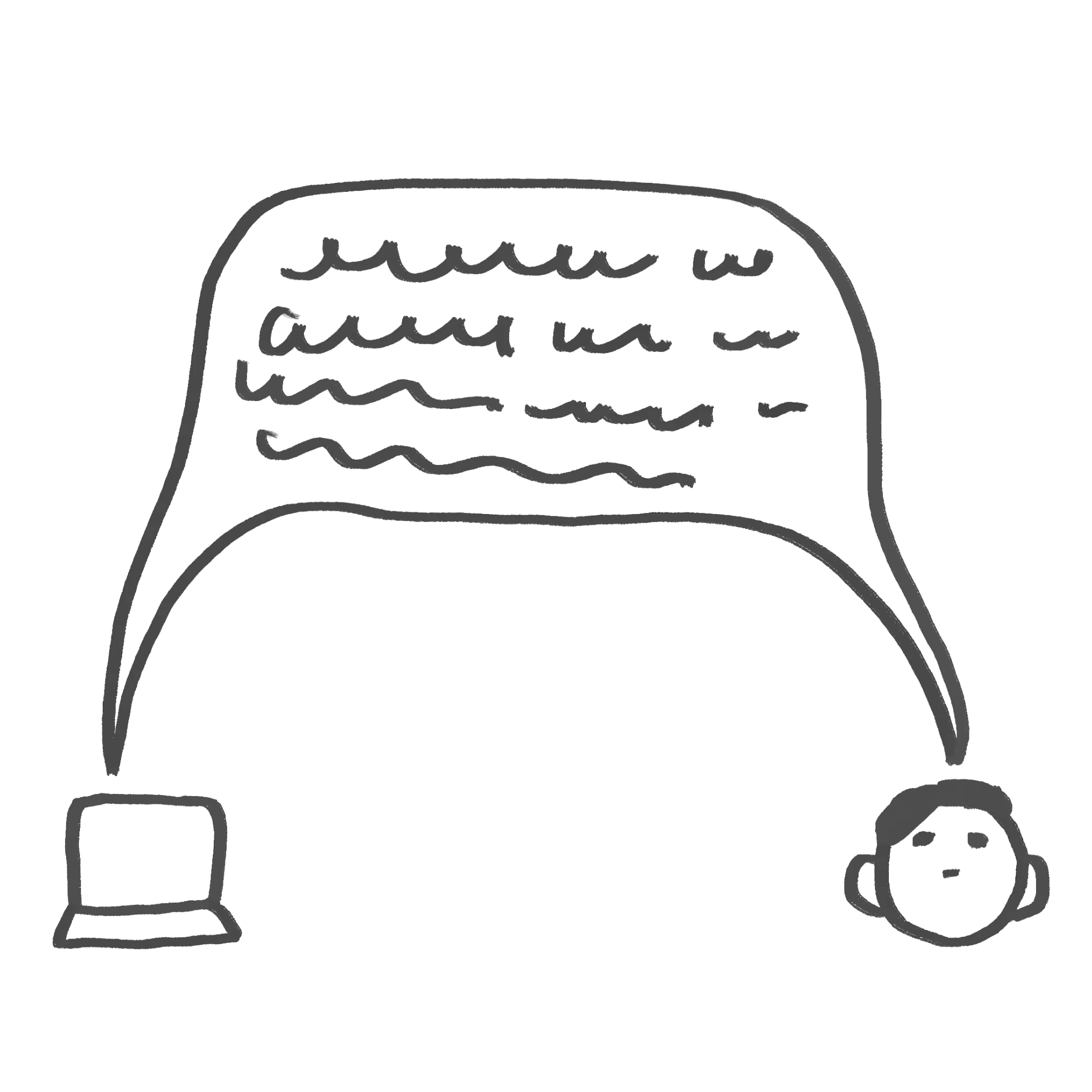
Users want supportive AI:
Participants valued AI that interprets and suggests, but want final control.
→ Design for balanced agency
Design Principles
From our research, we developed six emergent design principles:




The System
*Note: This initial iteration was scoped to fit a single semester. We prioritize foundational interactions with plans to expand advanced search, clustering, collaboration, and multimodal input in subsequent phases.
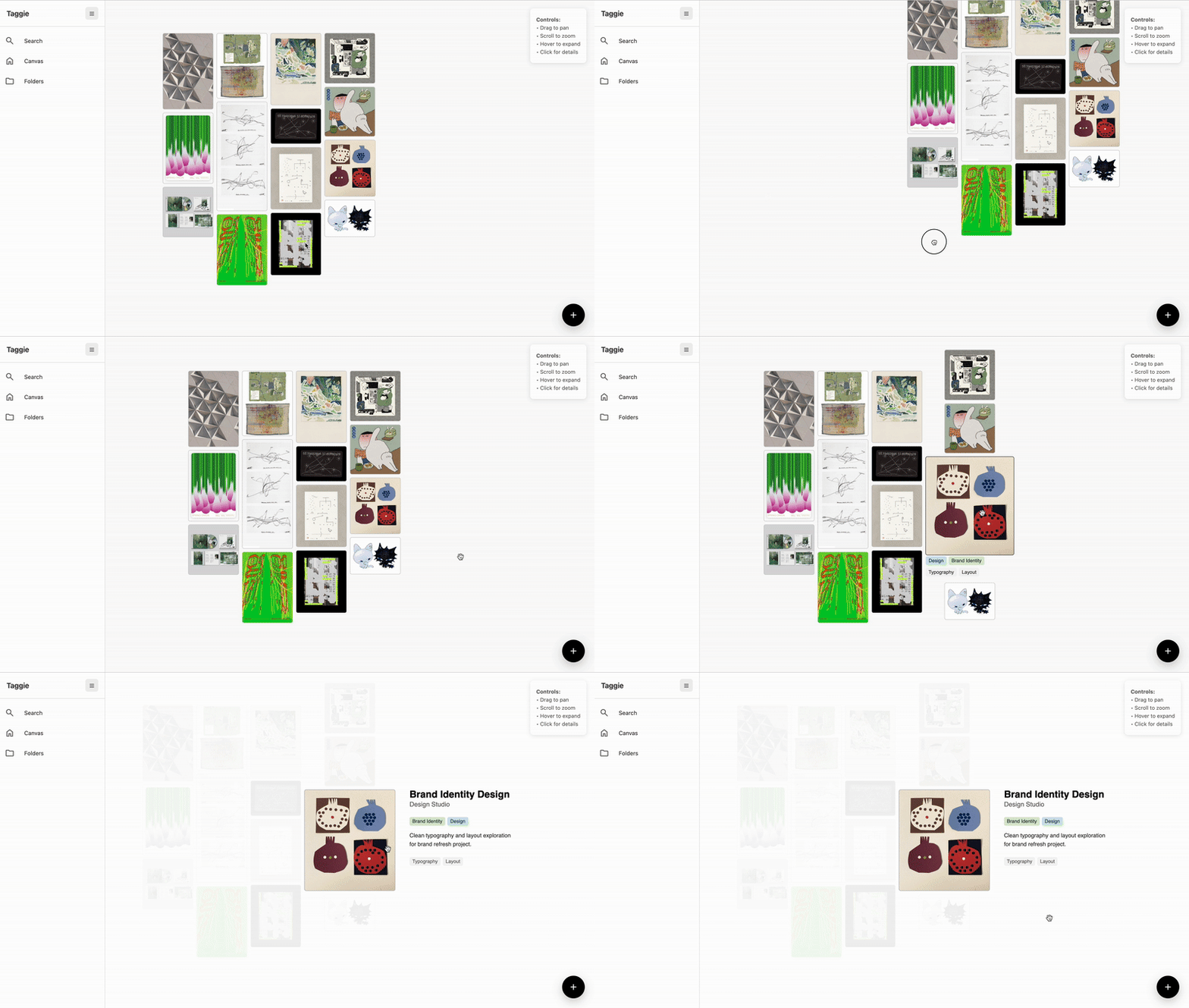
On the homepage, users can zoom in and out to see their full collection. Hovering over and clicking on the image allows users to see tags attached at a glance.

When users upload a media, the system guides them through a two prompt tagging interface. Users can input custom tags, shuffle AI suggestions, or move freely between prompts. Tagged images appear in the home canvas with tags accessible on hover/click.